Property and leases
Keep the portfolio, its leases and the work it needs in view.
- Property tenure, floor area and UPRN
- Lease records, renewals and key dates
- Portfolio reporting and estate CSV imports
Know which place or asset needs attention, who owns the work and which agreement applies. AJAEX CAFM connects the records your teams use to plan, deliver and review the service.
Know which property, place or asset the work belongs to. Bring its requests, job plans and tasks into view with the service agreement, responsibility and supporting documents.
Keep property, lease, site and asset records together, so the work has a clear location and context.
Bring reactive requests and planned maintenance into work tasks. Your team generates due work from schedules and assigns the people doing the job.
Track progress, notes and supporting documents on the work record, with the service agreement and site context attached.
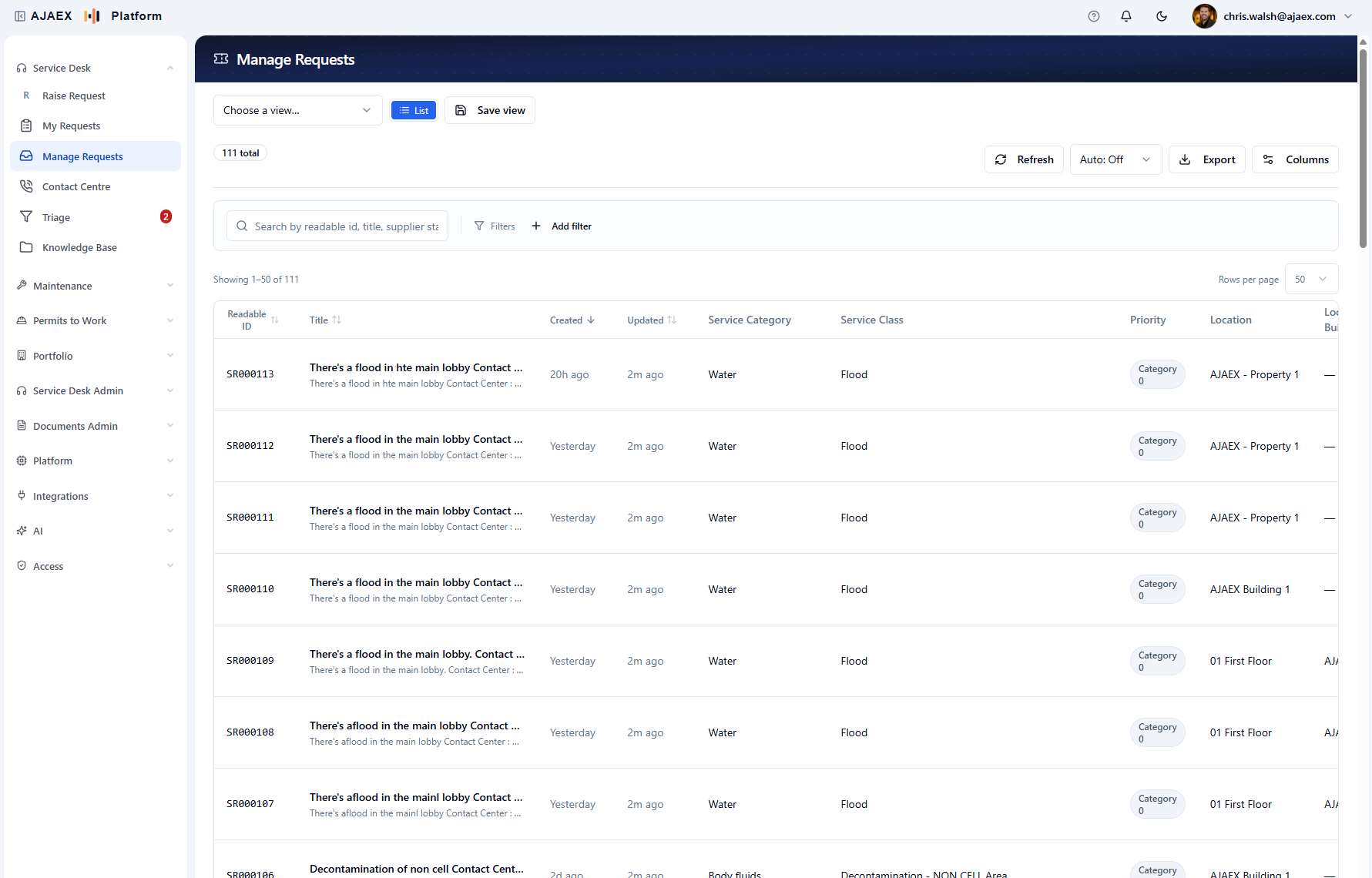
Property, maintenance and service delivery share the records and controls that keep the estate's work connected.
Keep the portfolio, its leases and the work it needs in view.
Give the desk the location, service and customer context it needs to handle each request.
Start with who or where; structure the request before it enters the queue.
Estate, asset, schedule, and job history connected.
Each customer's priorities, response times, and fix times, applied to the work.
Documents become structured records instead of files people have to chase.
Business logic stays visible, configurable, and auditable.
Connect the systems around your estate, and take reports out.
Choose who does the work, plan the visit window, and move tasks between servicing companies.
Assign work tasks, set planned visit windows and review the load by work group or person. Open the task lists behind the counts to see the work and its service-level risk.
Guided request logging can start with who or where (person, place, then problem), with a structured read-back before the request enters the queue. The film is actual product UI with demonstration data.
Find a request in the queue and keep context beside it, then open the full record with status in view. Product screens use demonstration data. The AI step is illustrative.
Practical help at the service desk: AI can suggest options while human review stays in the flow. Product screens use demonstration data. The AI step is illustrative.
Governed AI
Users are not left chatting with a model. AJAEX loads the right record, context, rules, and response schema for the task. The AI checks the work, returns structured output, and the workflow decides whether it can proceed or needs human review.
The desk uses site, contract, location and available services to shortlist options. The agent confirms: nothing auto-applies without a person.
Document reading extracts key fields from an uploaded document. A person checks what was read before it counts.
Your administrator sets how many AI calls each visit to Log a request may make. Once it is spent, the desk carries on without asking again.
AI transaction record
No memory. No broad API access. The record shows what was sent, what came back, and what happened next.
Human oversight stays in the loop.
Low-confidence, incomplete, or risky outcomes can be stopped for review before they affect live records.
Property, assets, maintenance and service delivery share their records and history. Explore the modules behind each part of the operation and the standard each one exists to complete.
Audit, access, residency, and AI transparency are not separate consultancy workstreams.
Every record, comment, document, status change, AI transaction, and correction has a traceable history.
Inputs, model, route, output, confidence, and review outcome are visible on the transaction record.
Hosted on AWS in London (eu-west-2).
Users only see the records, sites, services, and capabilities available to their role and context.
Bring one messy workflow: a service request, a planned maintenance regime, or a compliance pack. We will show how it becomes rules, transactions, review, and evidence.